01
A deliberate online extension
Add categories that match your customers instead of copying the full shop range.
The European dropshipping marketplace for plants and flowers
Garden centres · online range, store boundaries and fulfilment
Use your expertise to build a digital selection that complements the shop floor. Network products need not sit on your own shelves, but the route does not replace your till system or local pickup.

A brand customers notice
Your store keeps its expertise. The network adds selected online products.
14,000+
products in the catalogue
15
active European growers
250+
connected webshops
Europe
supported shipping routes
green at home
No stock of your own
Your store. Your brand. Our range.
View collection
Outdoor plants
Flower bulbs
Plant care

Flower bulbs
Plant care
Outdoor plants

Plant care
Outdoor plants
Flower bulbs
 Live
LiveOutdoor plants
Selected for this route · stock updated automatically
Flower bulbs
Selected for this route · stock updated automatically
Plant care
Selected for this route · stock updated automatically
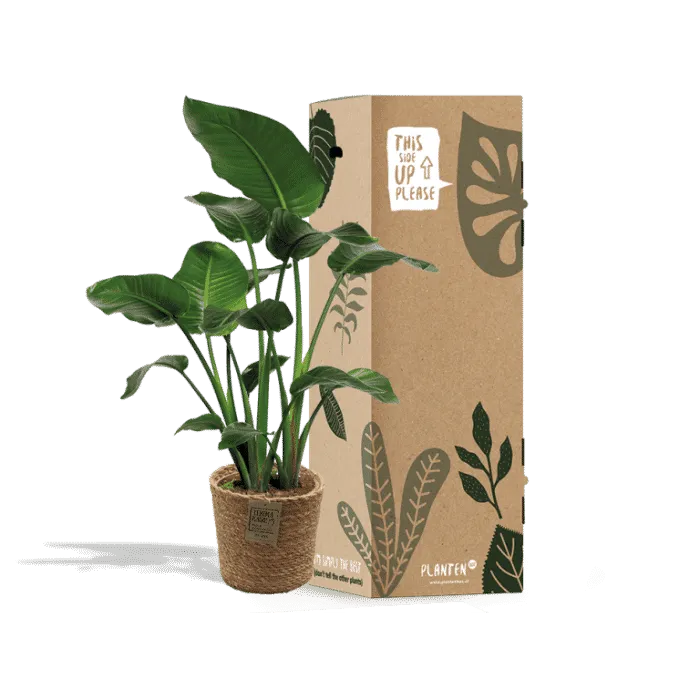
Order sold
Packed and shipped white-label by Everspring
Fulfilment arranged
Safely handed to the carrier
With the customer
Delivered directly under your brand
Garden centres in one sentence
Keep store stock and network stock distinct. Everspring supplies a separate route for selected online orders.
01
Define the categories
02
Mark the route
03
Fulfil online orders
Product groups for Garden centres
Use season, application and customer demand to create digital categories instead of copying every physical shelf.

4,100+
4,100+
products

600+
600+
products

200+
200+
products

1,700+
1,700+
products

3,600+
3,600+
products

500+
500+
products
Online network stock is not the same as availability in the store. Communicate delivery and local pickup separately.
The opportunity for Garden centres
Offer selected online categories without holding every network product in the store. Keep both stock routes operationally clear.
01
Add categories that match your customers instead of copying the full shop range.
02
Use season, application and local demand to shape the digital range.
03
Qualified online orders can be fulfilled without entering physical store stock.
Your role
What Everspring adds
Everspring does not manage physical store stock, the till system or local pickup. Network stock and store availability must remain separate.
Behind the product page
A qualified route from order to delivery.
Decide which categories the store fulfils and which online products use the network before publication.
Mark which products come from store stock and which use network availability.
Choose current products that suit destination, season and packaging.
Make the difference visible to customers before checkout.
Qualified network orders are processed outside your physical shelves and till system.
A standard till connection and local pickup are not part of this route. They remain with the garden centre.
The Everspring platform
From branded product content and bundles to quantity pricing, mix-and-match and white-label fulfilment. Everything runs from the same catalogue.
Make the range your own
Keep every sales channel current
Create more value from each order
AI content studio + three languages
The AI studio helps rewrite titles and descriptions in Dutch, English and German. You decide what goes live.
Source data
Your content
A bold green centrepiece for your interior
Your own bundles
Build sets under your own brand. Availability and purchase price stay linked to the products in your bundle.


Your bundle
1 sellable product
Stock and prices
Connected products follow current availability and price information from Everspring.
Order routing
Order lines travel through Everspring to the appropriate supplier and fulfilment route.
Price and margin
Use one pricing rule and adjust individual products when your proposition requires it.
More value from every order
Add a personal product, show worthwhile quantities and combine compatible items in one package.
Cards as an upsell
Add a print-on-demand card with the customer's message to the order.
Added to order
Congratulations on your new place!
Personal message
A green gesture
Automatic quantity discount
Quantity Tiers only shows quantities where the unit price actually falls.
Smart mix-and-match
Smart packing rules determine what fits together. This spreads packaging and shipping across more items.
Together in one box
Product Radar
Track prices, stock and product details in one overview.
Order protection
Report and track the resolution in the same platform as your order.
White-label fulfilment
From order processing to handover to the carrier.
Frequently asked questions
The online network range complements the store. It does not become store stock automatically.
No. You can build a separate selection per channel and explain the fulfilment route for each product.
Not in the standard route. This proposition covers online range and network fulfilment.
Yes, if current stock, destination and product conditions are checked before publication.
Not automatically. Local pickup uses your own store process and must not be inferred from network availability.
Discuss your route
Tell us about the store, customer and market. We will assess a separate online assortment and fulfilment route.